

Pixtel Callouts - Complete Guide
Callouts in Pixtel are designed to make your screenshots speak for themselves. Instead of explaining separately, you can directly point, highlight, and describe elements within the image. Below is a clean and structured overview of all available callouts, so you can use them correctly and confidently.
Upload Image to Pixtel
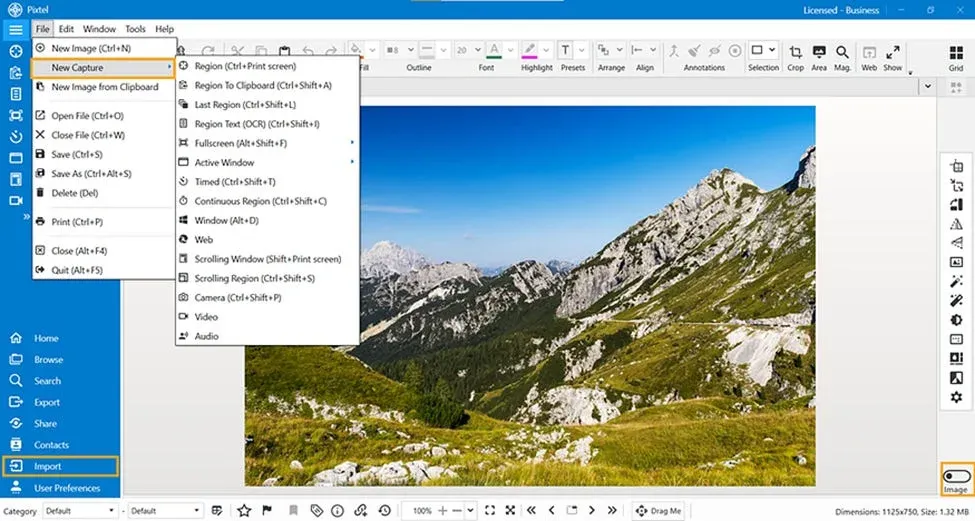
Start by uploading or capturing your image:
- Use the Upload option or capture a screenshot
- The image will open automatically in a new Pixtel editing tab
Once your image is ready:
- Switch to Image Mode
- Choose the required option like Rotate, Flip Horizontal, or Flip Vertical
- Click on the option to instantly apply the change
Basic Text Callouts
1. Text Adds plain text without any box. Best for simple captions or titles.

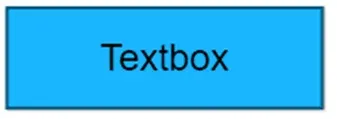
2. Enclosed Text Adds text inside a rectangular box with proper alignment.
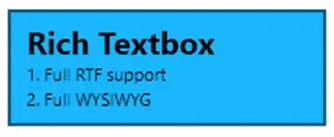
3. Rich Textbox Adds formatted text (RTF). Double-click to open the editor for detailed content.
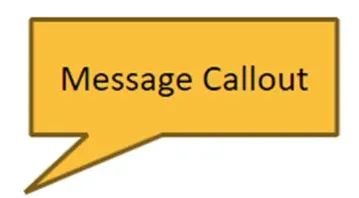
4. Message Callout Displays text in a box with a small pointer pointing to the source.
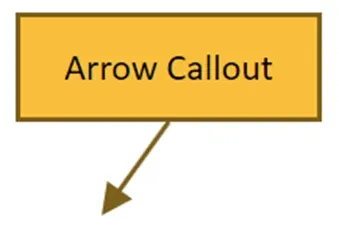
5. Arrow Callout Similar to message callout but uses a clear arrow for precise direction.
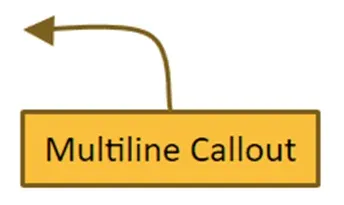
6. Multiline Callout Uses a multi-line pointer for complex or multiple references.
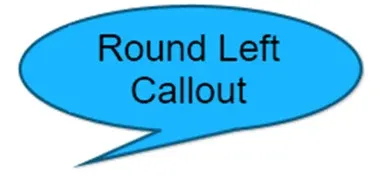
7. Round Left Callout Ellipse-shaped box with a pointer on the left side.
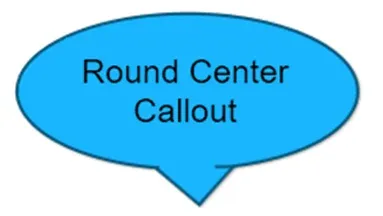
8. Round Center Callout Ellipse with a centered pointer.
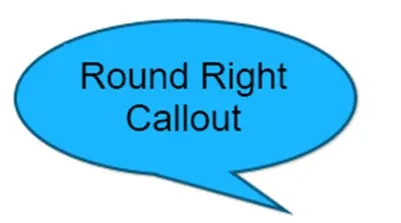
9. Round Right Callout Ellipse with a pointer on the right side.
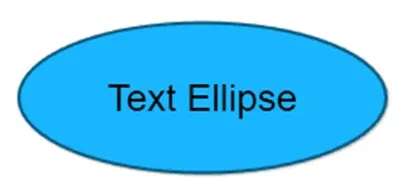
10. Text Ellipse Text placed inside an ellipse shape.
11. Cloud Callout Cloud-shaped text box for soft or thought-style annotations.

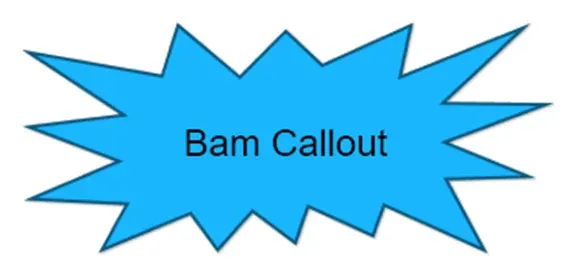
12. Bam Callout Explosion-style shape for highlighting important points.
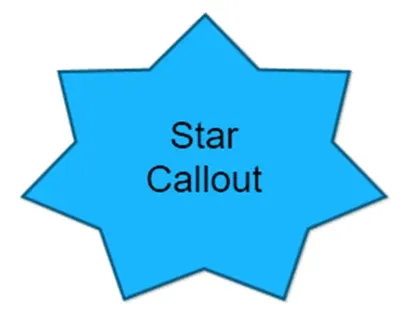
13. Star Callout Star-shaped annotation to emphasize key information.
14. Hexagon Callout Text inside a structured hexagon shape.
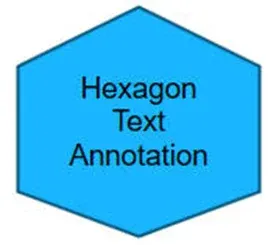
Each callout type serves a specific purpose — some are simple, some are directional, and others are designed to grab attention. Choosing the right one depends on what you want to communicate.
- Use simple text for clarity
- Use pointer callouts for precision
- Use shapes for emphasis and visual appeal
With these options, Pixtel allows you to turn any screenshot into a clear, meaningful, and professional communication piece.
Related reading:
- Clear Visual Communication with Pixtel Arrows →
- How to Annotate Images in Pixtel →
- Customizing Shape and Line Properties in Pixtel →
Capture once and use it forever. It isn’t just a tool — it’s Pixtel.
👉 Download Pixtel · 🎥 Follow us on YouTube · 📘 Read Detailed Documentation
'%3e%3cpath%20d='M6.49988%200.862305L0.380969%206.98121C-0.127315%207.4895%20-0.127315%208.31107%200.380969%208.81936C0.889253%209.32764%201.71083%209.32764%202.21911%208.81936L5.19992%205.83855V15.7C5.19992%2016.4176%205.781%2017%206.49988%2017C7.21875%2017%207.79984%2016.4176%207.79984%2015.7V5.83855L10.7806%208.81936C11.0341%209.07285%2011.3669%209.20024%2011.6997%209.20024C12.0325%209.20024%2012.3653%209.07285%2012.6188%208.81936C13.1271%208.31107%2013.1271%207.4895%2012.6188%206.98121L6.49988%200.862305Z'%20fill='white'/%3e%3c/g%3e%3cdefs%3e%3cclipPath%20id='clip0_1_2'%3e%3crect%20width='13.0002'%20height='16.8995'%20fill='white'%20transform='translate(-0.000244141%200.100533)'/%3e%3c/clipPath%3e%3c/defs%3e%3c/svg%3e)